How do I message my retailer with questions?
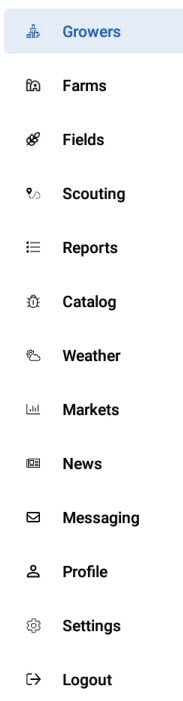
- Click Messaging on the menu. The Inbox window opens.
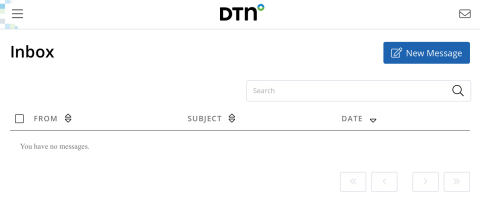
- Click New Message on the top right.
- In the New Message window, enter the email address of the recipient, a subject and the message. All fields are required.
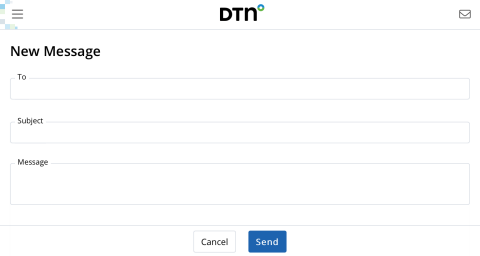
- Click Send when finished. You can then see your message in the Sent tab.
NOTE: You can use the search bar to search for older messages.